Video creator
Turn a still portrait into a short shot with a deliberate head turn, glance, or camera-facing gesture.
You can test movement ideas before committing to a longer edit.
wavespeed face swapMotion workflow
wavespeed ai motion control gives creators a structured way to guide movement from a reference while keeping the subject and scene direction in view.
Who it helps
The same movement-first approach can support different production goals, from visual experiments to short-form storyboards.
Turn a still portrait into a short shot with a deliberate head turn, glance, or camera-facing gesture.
You can test movement ideas before committing to a longer edit.
wavespeed face swapGuide a product image through a controlled reveal, rotation, or push-in while keeping the object central.
A simple asset can become a more expressive concept for a campaign draft.
wavespeed image eraserUse a reference motion to explore how a character crosses a frame, changes pose, or reacts to an event.
The sequence becomes easier to discuss with collaborators before production.
wavespeed face swapCreate a compact motion study from a single visual, then compare calm, energetic, and directional movement ideas.
You get more useful variations from one starting concept without rewriting the entire brief.
wavespeed image eraserRelated workflows
How it works
A clear input and a restrained motion brief make the workflow easier to evaluate and refine.
Start with an image or scene whose subject, framing, and lighting are clear enough to judge after movement is added.
State the direction, pace, gesture, or camera change you want, and say what should remain stable.
Inspect the generated result for subject consistency, timing, and unwanted drift, then adjust the motion brief.
Decision guide
This comparison helps clarify when a motion workflow is more useful than asking for another still image.
Primary input
Motion-controlled workflow
A visual source plus a movement direction
Static generation
A prompt, reference, or visual concept
Main objective
Motion-controlled workflow
Guide how the subject or camera changes over time
Static generation
Create or revise the appearance of a single frame
Best for
Motion-controlled workflow
Gestures, reveals, transitions, and directional action
Static generation
Composition, style exploration, and visual ideation
What to protect
Motion-controlled workflow
Subject identity, framing, and scene continuity
Static generation
Prompt details, layout, and visual style
Main review question
Motion-controlled workflow
Does the movement feel intentional and stable?
Static generation
Does the image match the requested appearance?
Likely next step
Motion-controlled workflow
Adjust motion wording or choose a clearer source
Static generation
Revise the prompt or change the reference image
Visual check
A before-and-after view makes it easier to separate a successful motion idea from changes that weaken the original visual.
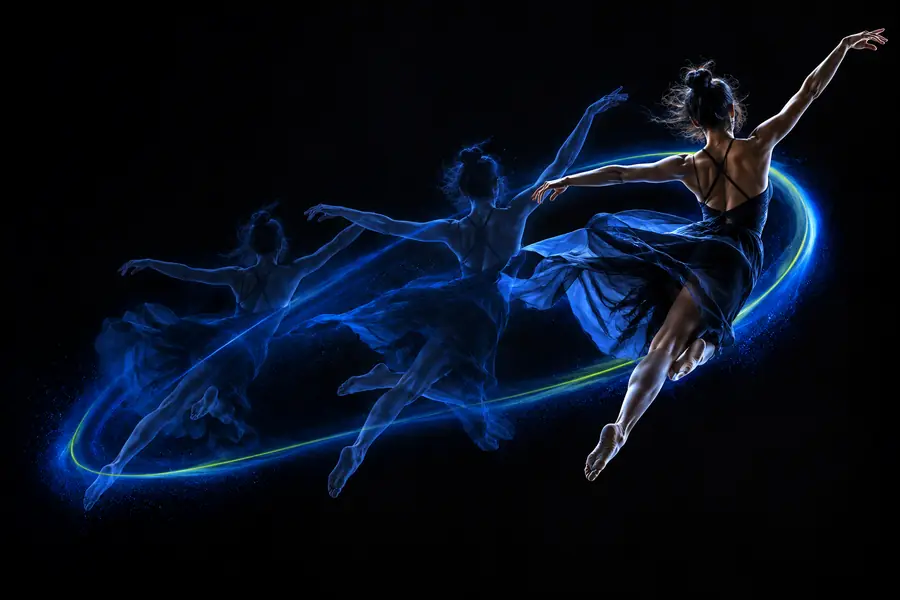 Reference
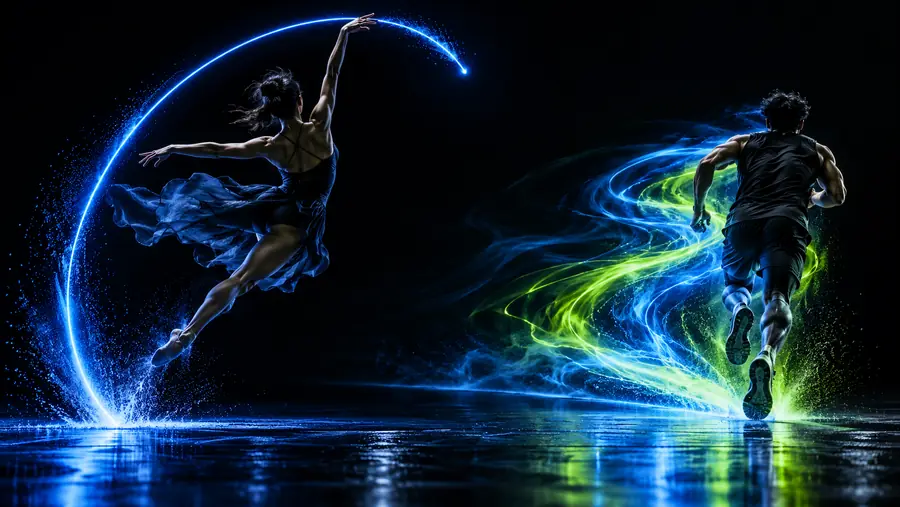 Motion result
Limits and edges
Motion guidance is not a guarantee of perfect continuity. These checks help set a realistic starting point.
Fast turns, overlapping limbs, and abrupt changes can make the subject lose shape or position.
Workaround
Begin with one clear action and reduce competing camera movement.
Blur, heavy cropping, unclear anatomy, or a busy background make movement harder to interpret.
Workaround
Use a well-framed source with a readable subject and enough surrounding context.
A short instruction may not control every object, background detail, or physical interaction precisely.
Workaround
Describe the priority action first and keep secondary details simple.
A visually appealing frame can still contain changes in clothing, facial features, lighting, or proportions.
Workaround
Compare the result against the source before using it in a finished sequence.
Next experiment
Bring a focused source and one intentional action to the next step. Review the result, then refine the motion brief around what actually changed.
Try motion controlFAQ
wavespeed ai motion control is a movement-focused workflow for guiding how a subject or camera changes from a visual starting point. It is most useful when the direction of motion matters as much as the appearance of the scene.
Name the subject, the main action, its direction, and the elements that should stay stable. For example, specify a slow turn toward the camera while keeping the background fixed rather than combining several unrelated actions.
A clear, well-framed source with a readable subject is the strongest starting point. Avoid unnecessary blur, severe cropping, and crowded scenes when you need to evaluate movement or continuity.
No. Complex actions, fast changes, and interactions between several objects can introduce drift or visual changes. Treat the first result as a motion study, then refine the source and instruction after reviewing it.